Jagdamba Hire Purchase Limited
Payment Guide

EMI Payment Guide

Learn how to pay your EMIs conveniently through eSewa, Khalti, or our customer mobile app. Follow our step-by-step guide for secure and instant payments.

How to Pay Your EMI

Step-by-step guide for different payment methods

eSewa
eSewa Payment
Pay through Nepal's most popular digital wallet

Payment Steps:

  1. Open eSewa app or website
  2. Select "Payment" option
  3. Choose "Finance Company"
  4. Search for "Jagdamba Credit and Investment Ltd"
  5. Enter your loan account number
  6. Enter payment amount
  7. Complete payment with eSewa PIN
Instant payment processing
24/7 availability
Payment confirmation SMS
Khalti
Khalti Payment
Digital payment solution

Payment Steps:

  1. Open Khalti app or website
  2. Select "Bill Payment"
  3. Choose "Finance/Hire Purchase"
  4. Search for "Jagdamba Hire Purchase Limited"
  5. Enter your customer ID/loan number
  6. Enter payment amount
  7. Complete payment with Khalti PIN
Quick and easy payments
Multiple payment methods
Real-time notifications
Jagdamba App
Our official customer app

App Features:

  • • View loan details and payment history
  • • Make payments through integrated gateways
  • • Get payment reminders and notifications
  • • Track loan status and documents
  • • Contact customer support directly
Download from Play Store

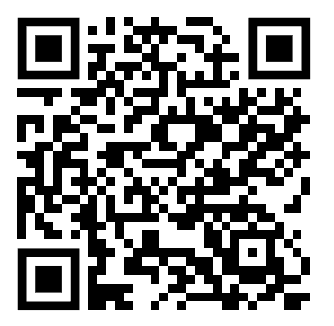
Download Our Customer App

Get the Jagdamba Customer App for easier EMI payments and account management

Why Choose Digital Payment?

Benefits of paying your EMIs digitally

24/7 Availability

Make payments anytime, anywhere without visiting our office

Secure Transactions

Bank-level security ensures your payment information is protected

Instant Confirmation

Receive immediate payment confirmation via SMS and email

Payment History

Track all your payments and download receipts easily

Important Payment Information

Required Information:

  • • Your loan account number
  • • Customer ID (if applicable)
  • • Payment amount
  • • Your registered mobile number

💡 Tip: Always keep your payment confirmation receipt and SMS for your records. If you face any issues during payment, contact our customer support at 01-4511600.

Need Help with Payment?

Our customer support team is here to assist you with any payment-related queries or issues.